Key takeaways
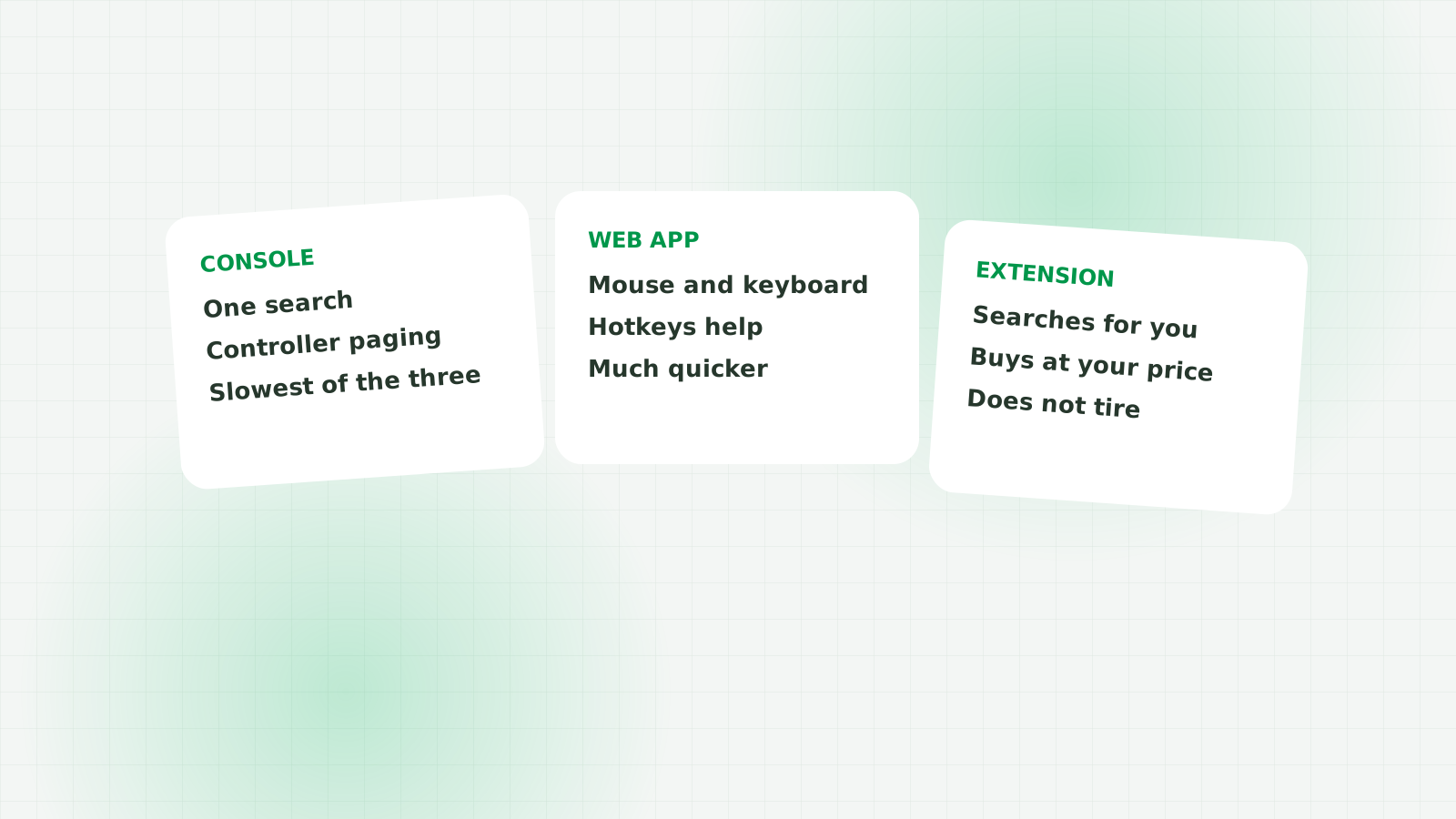
- The transfer market is shared. A card bought on the Web App lands in the same club you play on PS5, Xbox or PC.
- Console sniping works, but a controller costs you time on every single search.
- The Web App on a computer is the same market with a mouse, a keyboard and no loading screens between pages.
- Keyboard shortcuts cut the mouse out of the loop and are the biggest free speed gain available.
- An autobuyer runs the same searches you would, without getting bored or distracted.
This question comes up constantly, usually phrased as "can you snipe on PS5" or "is there an autobuyer for console". The short version: the transfer market is one market. Your console, the Web App and the Companion App are three doors into the same room. A card you buy through any of them lands in the same club.
So the real question is not which platform you play on. It is which door lets you search the most times before you lose the will to live.
Sniping on the console itself
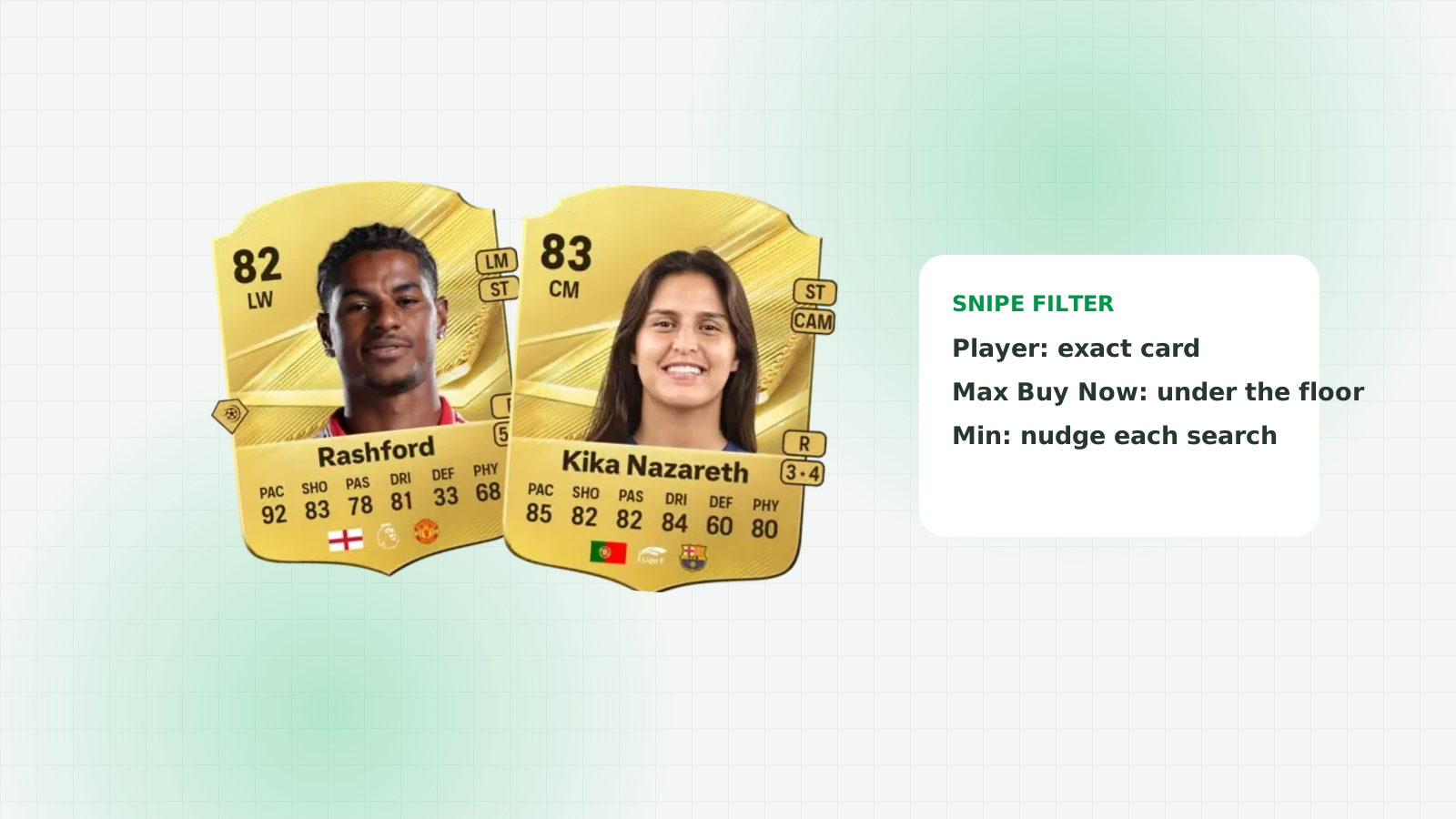
Open Ultimate Team, go to Transfers, Search the Transfer Market, set a player name and a Max Buy Now, and press Search. When nothing appears, back out, nudge the minimum price, and search again. That is sniping on console, and it is exactly the same method as every other route.
It works. People buy good cards this way every day. The catch is the number of inputs between you and the next set of results.
Why console sniping is slower
- The controller. Changing a price means moving to the field, holding a direction, then backing out. On a keyboard that is a click and two keystrokes.
- Menu transitions. The in-game interface animates. Those fractions of a second add up across hundreds of searches.
- You cannot do anything else. The console is busy being your sniping machine, so it is not doing anything else while you search.
None of that stops you buying cards. It just means fewer searches per hour, and sniping is a numbers game. Whoever is searching when a cheap copy is listed gets it, so more searches means more chances.
The Web App: same market, fewer clicks
The EA SPORTS FC Ultimate Team Web App opens in a browser on any computer. Same club, same coins, same transfer market, same 5% tax. What you gain is a mouse, a keyboard, and an interface that does not animate between every screen.
You also get a second screen. You can have a price tool open next to it, which matters when you are deciding whether a listing is cheap or a trap.
The Web App does have its quirks. Identical searches can return the same cached results, which is why experienced traders change the minimum price by one step between searches. And it logs you out after a period of inactivity, so long sessions need the occasional refresh.
Keyboard shortcuts on the Web App
This is the free speed gain most people never take. If your hand never leaves the keyboard, every search is a keystroke rather than a mouse journey across the screen.
FC AutoBuyer adds keyboard shortcuts to the Web App for the actions you repeat: search again, page through results, and buy the selected card. You can rebind any of them, and they are off by default so nothing fires while you are typing a player name.
The Buy Now key has an optional confirmation skip. It is off by default on purpose: with it on, a stray key press spends coins with no "are you sure" step, and your per-card limit is the only thing between you and a mistake.
Letting an extension do the searching
Shortcuts make you faster. An autobuyer removes you from the loop entirely. You set the filter in the Web App, press Search once, set your price and limits, and it searches on a randomised interval and buys anything at or under your maximum.
The difference in volume is not close. A person doing this well manages a few searches a minute for as long as concentration holds. Software does it for an hour without drifting, and it is still reading every result properly at the end.
Where the software runs matters too. FC AutoBuyer is a Chrome extension that runs inside the Web App tab, so it calls the market's own buy action straight from the search results. A separate desktop app has to relay the same request from somewhere else, which is more that can go wrong between a card appearing and the coins leaving your club. We go into this in Chrome extension vs app autobuyer.
Which one should you use
Play on whatever you like. Snipe on a computer.
If you only have a console, use the Companion App or the Web App on a phone browser for the searching, and keep the console for playing. If you have a computer, the Web App with shortcuts is a clear step up, and an extension is a step up again.
Whatever you choose, the discipline is the same: know the going rate, set a price well under it, and keep searching. The tool changes how many times you can do that in an hour, not whether the method works.
FAQs
Not on the console itself. An autobuyer runs on a computer against the Web App. The cards it buys go into the same club you load on PS5 or Xbox, because the transfer market is shared across platforms.
Yes, mostly because of the input method. A mouse and keyboard change a price and re-search in a fraction of the time a controller takes, and the Web App has fewer animations between screens.
It works, and it is handy when you are away from a computer, but it is the slowest option of the lot. Phone keyboards and small tap targets make repeated price changes painful.
Identical searches can return a cached page. Change the minimum Buy Now price by one step between searches to force fresh results.
No. The Web App is a web page and an extension runs inside it. Any computer that runs Chrome comfortably is enough.