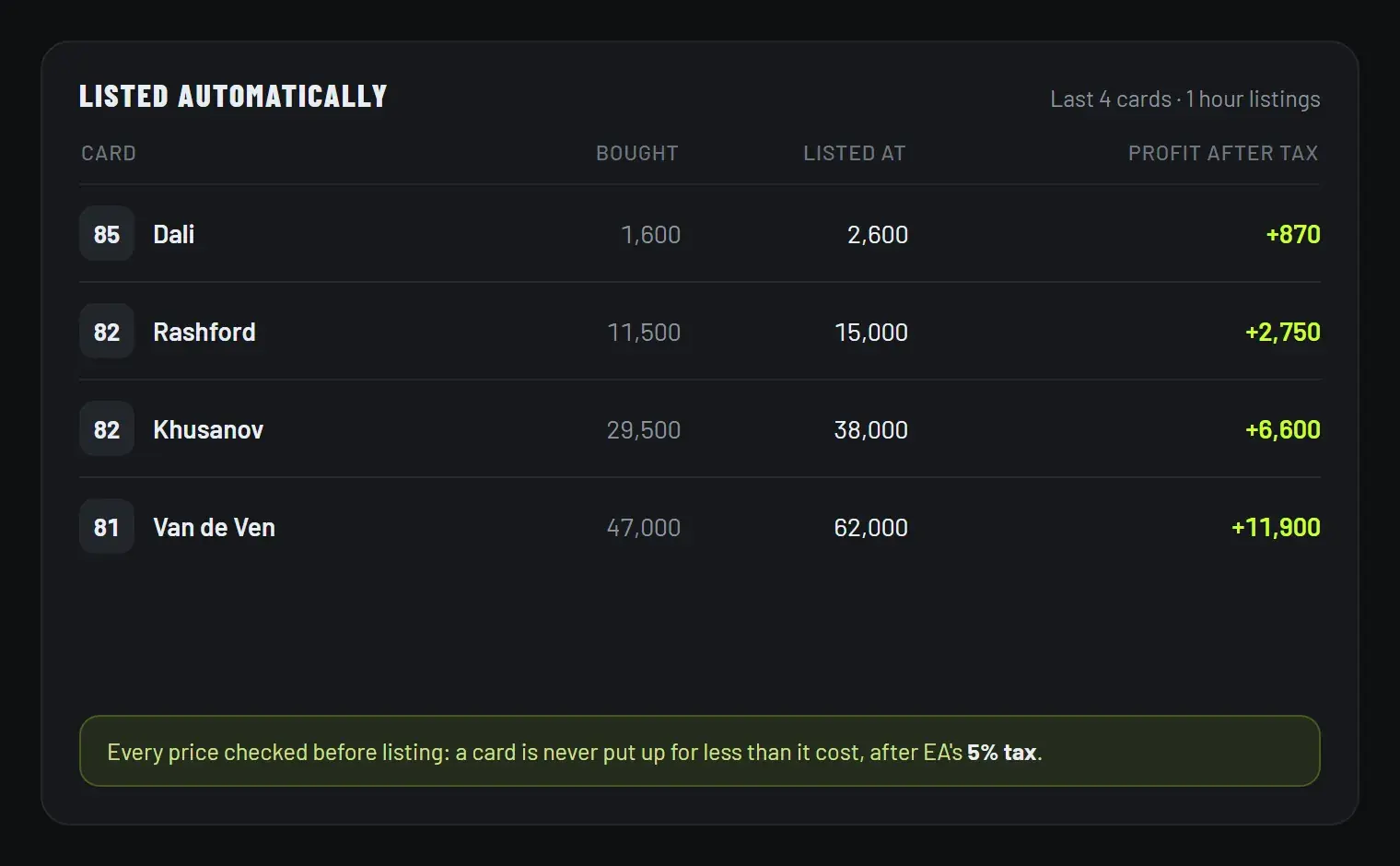
The rule: it can never sell at a loss
Selling a card for less than you paid is the easiest way to lose coins in Ultimate Team, and it usually happens by accident: you set a listing price, forget that EA takes 5% of every sale, and the maths quietly works against you. FC AutoBuyer treats that as something the software should make impossible, not something you should have to remember.
Four checks stand between you and a bad listing:
- It refuses to start. Before a run, it works out the most it could pay for a card and compares that to your listing prices after tax. If either one falls short, Start shows you the exact price you need instead.
- The start price counts too. A card can sell at its starting bid, so that price is held to the same standard as the Buy Now price.
- Every card is checked again. At the moment of listing it compares your prices to what that card actually cost. Change a setting mid-run and it still will not list at a loss.
- A card it cannot list safely is left alone. It stays in your Unassigned pile and the panel tells you why.
The 5% that catches people out
EA takes 5% of every sale on the transfer market, so a card that sells for 12,000 pays you 11,400. Buy at 10,000 and sell at 10,500 and you have lost coins, even though the numbers look like a profit. Work yours out with the EA tax calculator, or read the tax explained in full.
Pricing what you list
Safe is not the same as sellable. A price nobody will pay just means your card sits there until the listing ends, so check what the card is actually going for first: our guide to price checking players covers how, and the transfer market trading guide covers when to sell.
Listing works alongside auto buying: the sniper finds the card, the lister puts it straight back up at your price. Buy a key to try both.