Key takeaways
- An extension autobuyer lives inside the EA FC Web App page; an app-based autobuyer works from outside it.
- Running inside the Web App removes a layer between spotting a card and pressing Buy Now, which is why an extension is faster.
- The trade-off: an extension needs Chrome on a desktop with the Web App open, and it has to keep up with EA's Web App updates.
- FC AutoBuyer is a Chrome extension today. A standalone FC AutoBuyer app is coming soon.
- Whichever type you use, the risk of account restrictions is the same, and speed doesn't change it.
If you have shopped around for a FUT autobuyer, you will have noticed they come in two shapes: browser extensions and separate apps. The Chrome extension vs app autobuyer question matters more than it first appears, because on the transfer market the tool that reaches Buy Now first gets the card and everyone else gets a message saying it has gone.
This guide explains how each type works, why we built FC AutoBuyer as a Chrome extension, and where an extension is genuinely weaker. No lab numbers, no made-up benchmarks, just how the two designs differ.
Two kinds of autobuyer
Every EA FC autobuyer, and every FIFA autobuyer before the series was renamed, does the same basic job: search the transfer market, check results against your price, buy what qualifies, repeat. If you want the full loop, read our guide on how an autobuyer works. What differs is where that loop runs.
Extension autobuyers
A browser extension is a small program that Chrome loads alongside web pages. Google's Chrome extension documentation explains the platform in detail, but the short version is that an extension can run scripts inside a page you have open. An extension autobuyer runs inside the EA SPORTS FC Ultimate Team Web App, in the same tab where you would search the market by hand.
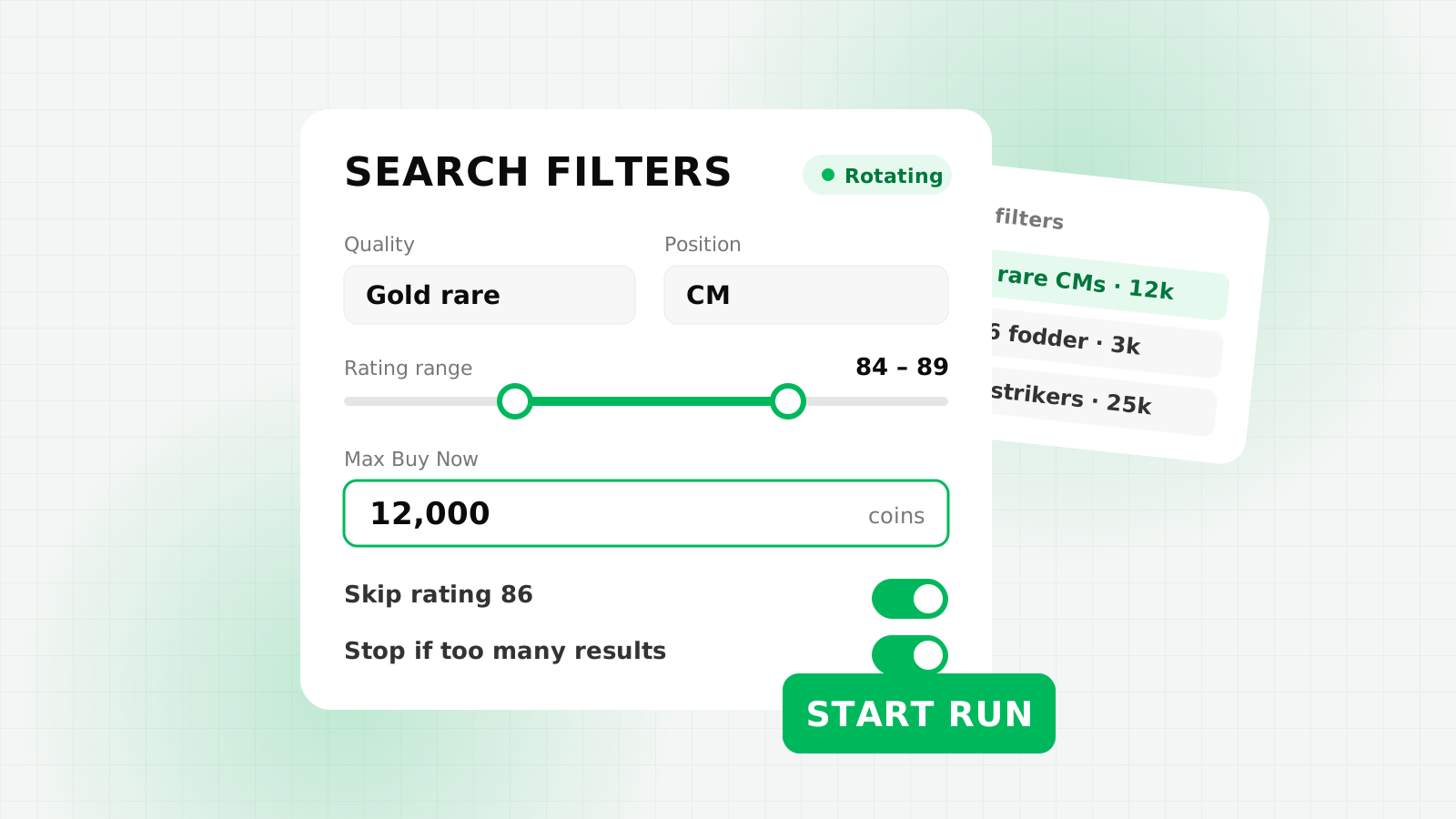
FC AutoBuyer is built this way. It uses the Web App's own transfer market search, results and Buy Now functions, and adds a floating panel, a dashboard and its safety limits on top.
App-based autobuyers
An app-based autobuyer is a separate program, on a desktop or sometimes a phone, that sits outside the Web App. To buy anything it has to get to the transfer market from the outside, whether that is by controlling a browser window, working through its own connection or some mix of the two. The details vary from tool to tool, but they share one thing: there is always a step between the app and the market.
Why a Chrome extension autobuyer is faster
On the transfer market, the time between a listing appearing in your results and your Buy Now reaching EA is what decides whether you win the card. Every extra step in that chain is time a rival can use.
Think about what has to happen when a cheap card shows up:
- The search results come back.
- The autobuyer reads the listing and checks it against your price and limits.
- It presses Buy Now.
- The purchase goes to EA.
An extension does all four inside the Web App page. The results are already where it is running, so it reads them directly and triggers Buy Now through the Web App's own function. There's no handover.
An app has to do the same four steps from outside. It has to find out what the page or connection is showing, make its decision elsewhere, then send an instruction back in. However well that is engineered, it is an extra hop that an in-page extension simply doesn't have. That is the core reason we say a Chrome extension autobuyer is faster than app-based autobuyers and wins more transfers against the competition.
We are deliberately not quoting millisecond figures here. Speed on the live market depends on your connection, your computer, EA's servers and the settings you choose, so any single number would be misleading. What doesn't change is the architecture: fewer layers means less to wait for.
Speed isn't the same as searching faster
It's worth separating two ideas. Reacting quickly to a result is good. Searching as often as possible is not. FC AutoBuyer waits a randomised 3 to 5.5 seconds between searches by default and warns you if you set delays under 2.5 seconds. The speed advantage of an extension is about how quickly it acts once a card appears, not about hammering the search button. Our explainer on the transfer market soft ban covers why heavy searching causes problems.
Chrome extension vs app: side by side
Here is how the two approaches compare in general terms. Individual tools vary, so treat this as a guide to the design, not a review of any particular product.
| Consideration | Chrome extension autobuyer | App-based autobuyer |
|---|---|---|
| Where it runs | Inside the Web App tab in Chrome | A separate program outside the Web App |
| Path from result to Buy Now | Direct, through the Web App's own functions | An extra step between the app and the market |
| Login | Uses the Web App session you have already signed into in your browser | Depends on the tool; check what it asks for |
| Devices | Chrome on a desktop computer | Depends on the tool; some run on phones |
| Running in the background | Possible in a background tab (FC AutoBuyer's headless mode) | Depends on the tool |
| After an EA Web App update | Needs to keep up with Web App changes; FC AutoBuyer includes a compatibility check | Also needs updating when EA changes things |
| EA terms of service | Breaks them | Breaks them |
That last row is the one people most want to skip, so we'll say it plainly: the type of tool doesn't make automation allowed.
The honest trade-offs of an extension
An extension isn't the right fit for everyone. These are the limitations you should know about before you commit.
- Desktop Chrome only. FC AutoBuyer needs Chrome on a computer. It won't run on your phone or console.
- The Web App has to be open. The bot runs in a Web App tab, so the computer needs to stay on with Chrome open while it works. Headless mode lets that tab sit in the background with the panel hidden.
- Installed in Developer mode. FC AutoBuyer is loaded through
chrome://extensionswith Developer mode switched on, using the download link from your purchase email. Google's help page on managing Chrome extensions shows where that screen lives, and our install guide walks through each step. - EA updates can break things. Because it works through the Web App's own functions, a Web App update can change what the extension relies on. The built-in compatibility check tells you whether everything still works before you run.
For most traders who already use the Web App on a computer, these are small costs next to acting on listings from inside the page. If you mainly trade on your phone, an app will suit you better, which is why a standalone FC AutoBuyer app is coming soon.
How to choose between them
Speed is only one part of picking the best EA FC autobuyer. Before you buy anything, whether it is an extension or an app, ask these questions:
- Where does it run? Inside the Web App, or outside it?
- What does it need from you? Be wary of any tool that wants your EA password; read our guide on how to protect your EA FC account.
- Does it have hard limits? Look for a per-card limit, a run budget and a coins-to-keep limit checked before every buy, not just at the start.
- Does it stop itself? Captchas, soft bans, expired sessions and repeated errors should end a run automatically.
- Can you control the pace? Randomised delays, breaks and run limits matter more than raw search speed.
- Is it clear about risk? Any seller calling their autobuyer undetectable or ban-proof is not being straight with you.
Once you've picked a tool, how you set it up matters as much as the tool itself. Our guide to autobuyer filter settings is the natural next step, and the one-price plan page shows what FC AutoBuyer costs.
FAQs
An extension runs inside the Ultimate Team Web App, so it can read results and press Buy Now without a step in between. An app works from outside the Web App, which adds a layer, so the extension approach is faster.
Not yet. FC AutoBuyer is a Chrome extension for desktop today, and a standalone app is coming soon.
No. FC AutoBuyer runs in Chrome on a desktop computer with the Web App open. Cards it buys are in your club wherever you play Ultimate Team.
No. Any third-party tool can lead to transfer market or account restrictions, whichever type you use. Limits, breaks and delays reduce the risk but cannot remove it.