Key takeaways
- The real price of a card is the lowest Buy Now price it is actually listed and selling at, not the highest.
- Step your Max Buy Now down in the transfer market search until only a few cheap listings show.
- Confirm with a price tool such as FUTBIN or FUT.GG, and look at the recent trend rather than one snapshot.
- Every price must fit EA's price steps, and your buy price must leave room for the 5% tax if you resell.
Knowing how to price check players in EA FC is the skill every other trading decision rests on. Pay too much and even a good card becomes a loss. Set your price too low and you never buy anything. It matters even more when that price becomes the Max Buy Now in a filter that searches for you.
The good news is that price checking is quick once you have a routine. This guide covers checking prices directly on the transfer market, confirming them with a price tool, reading the trend and turning all of that into a Max Buy Now that makes sense.
The method has barely changed since the FIFA days. Ultimate Team became EA SPORTS FC Ultimate Team in 2023, but whether you play FC 27 or still think of it as FUT, the market works the same way.
Why price checking matters
The FC transfer market is not a shop with fixed prices. Every card is listed by another player, and the price you see depends on who has listed it, when, and how keen they are to sell. The same card can be listed at very different Buy Now prices at the same moment.
Price checking finds the level where the card actually changes hands. That number tells you:
- whether a listing is a genuine bargain or just the going rate,
- what you can realistically sell for, and so whether a flip is worth doing,
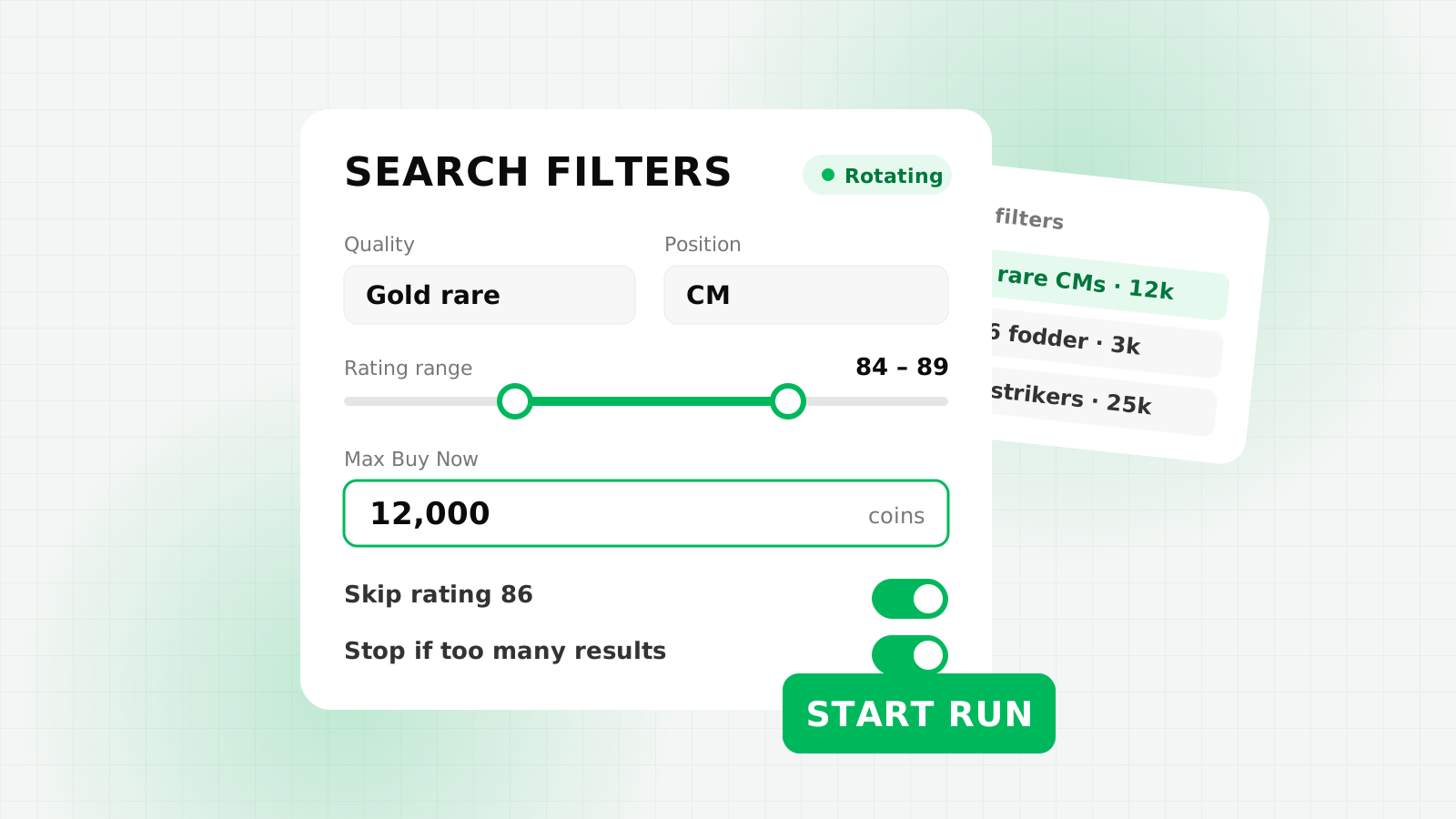
- what Max Buy Now to use, by hand or in an autobuyer.
If you are new to trading in general, our transfer market trading guide covers the basics before you dive into pricing.
How to price check on the transfer market
The most reliable source is the market itself. You can do this on console or in the Ultimate Team Web App.
- Search for the exact card. Type the player's name and pick the right version. Set quality or rarity too, because special versions of the same player have very different prices.
- Set a generous Max Buy Now. Start above where you think the card sells so you can see the spread of listings.
- Step the Max Buy Now down. Lower it and search again. Keep going until only a handful of results remain.
- Find the going rate. The point where results drop from a few to none is roughly the lowest Buy Now price right now.
- Repeat a little later. One check is a snapshot. Two or three across a session give you a much better picture.
Here is an example of how that looks. Say you are checking a gold card you think is worth somewhere in the low teens of thousands:
| Search | Max Buy Now | What you see |
|---|---|---|
| 1 | 15,000 | Plenty of results |
| 2 | 12,000 | No results |
| 3 | 13,000 | A few results |
| 4 | 12,500 | One result |
In this example the going rate sits around 12,500 coins. Halving the gap each time finds the level in a few searches instead of dozens.
Two practical tips. First, the Web App can show you the same results again if you repeat an identical search, so nudge the minimum bid price slightly between checks to get fresh listings. Second, go easy: dozens of rapid searches for one price check is exactly the kind of activity associated with a transfer market soft ban.
Price steps: valid Buy Now prices
EA only accepts prices in set steps, which depend on the price band. Your Max Buy Now has to be a valid step too, so it is worth knowing them:
| Price band (coins) | Step | Valid example |
|---|---|---|
| 150 to 1,000 | 50 | 850 |
| 1,000 to 10,000 | 100 | 8,700 |
| 10,000 to 50,000 | 250 | 12,250 |
| 50,000 to 100,000 | 500 | 64,500 |
| Over 100,000 | 1,000 | 112,000 |
Cards can also have a price range set by EA, which limits the lowest and highest prices they can be listed at.
Use a price tool to confirm
Community price tools such as FUTBIN and FUT.GG track card prices over time. They are useful for a quick first look and for seeing history you cannot get from a single search.
- Check the platform. Make sure the tool is showing prices for the platform you trade on, as prices can differ.
- Check the update time. A price from hours ago can be out of date, especially during a promo.
- Look at the graph. Is the card rising, falling or flat over the last few days?
- Confirm on the market. Treat a tool's figure as a guide, then check it with a few searches yourself.
Read the trend, not one number
A card's price is a moving target. Prices tend to follow regular patterns across the day and week, and they can move sharply around content releases and promos.
A price check on a quiet weekday morning may look very different from one taken during a busy evening or right after new packs arrive. Our guides to the best time to buy and sell and trading market crashes go deeper into both.
As a rule of thumb, base your buy price on where the card has been selling recently, and be cautious if the price is falling fast. A Max Buy Now that was a bargain yesterday can be above the market today.
How to set your Max Buy Now
Once you know where a card sells, work backwards to the most you should pay. If you are buying to use the card, the going rate is your ceiling. If you are buying to resell, you also need to account for the 5% tax EA takes on every sale.
Here is a worked example with illustrative numbers:
| Step | Amount |
|---|---|
| Price you expect to sell at | 12,500 coins |
| 5% EA tax | 625 coins |
| What you receive | 11,875 coins |
| Profit you want per card | About 500 coins |
| Max Buy Now (rounded down to a valid step) | 11,250 coins |
| Profit if it sells at 12,500 | 625 coins |
Note the rounding: 11,375 is not a valid price in that band, so you round down to 11,250, never up. For the full maths, see our EA tax explained guide. And bear in mind that a profit on paper only happens if the card actually sells at your price.
In FC AutoBuyer, the "stop if more than X cards at or under the price" setting doubles as a sanity check on your research: if one search suddenly shows lots of cards under your Max Buy Now, your price is probably too high, and the bot stops rather than buying them all. Our guide to autobuyer filter settings explains how the price fits alongside your other limits.
Common price checking mistakes
- Checking the wrong version. Base, special and promo versions of the same player are different cards with different prices.
- Trusting one search. A single cheap listing may be a one-off. Look for a level several listings share.
- Forgetting the tax. Buying at 10,000 and selling at 10,000 loses you 500 coins, as our EA tax calculator shows.
- Using an old price. Prices move with promos and time of day. Re-check before a long session.
- Rounding up. When a calculated price falls between steps, round down.
- Over-searching. Hammering the search button to price check is itself a soft ban risk.
FAQs
Search the exact card on the transfer market and step your Max Buy Now down until only a few listings remain. Confirm the recent trend on a price tool such as FUTBIN or FUT.GG.
They are a useful guide, but prices can be out of date or differ by platform. Always check the update time and confirm with a few searches of your own.
If you are reselling, low enough that the sale price minus the 5% EA tax still leaves the profit you want, rounded down to a valid price step. If you are keeping the card, the recent going rate is your ceiling.
EA only accepts prices in set steps, such as steps of 100 between 1,000 and 10,000 coins and steps of 250 between 10,000 and 50,000. Some cards also have a price range that limits how low or high they can go.