If you played Ultimate Team before 2023, you probably still call it FUT, and you may well have typed FIFA autobuyer into a search bar to find this page. That's fine. The game mode, the transfer market, the coins and the Web App all carried on under a new name. FC AutoBuyer is the modern FIFA autobuyer: a Chrome extension that searches the transfer market for you and buys cards at or under the price you set.
This page explains the name change, what a FUT autobuyer actually does, why ours runs as a browser extension rather than an app, and what it costs.
From FIFA to EA SPORTS FC: why people still search FIFA autobuyer
For years EA's football games carried the FIFA licence. That arrangement ended after FIFA 23, and in 2023 the series continued as EA SPORTS FC. FIFA Ultimate Team became EA SPORTS FC Ultimate Team at the same time.
What changed was mostly the badge. You still build a squad from player cards, you still earn and spend coins, and you still trade on the transfer market through the console menus, the Companion App or the Ultimate Team Web App. Habits stick, so "FIFA autobuyer", "FUT autobuyer" and "EA FC autobuyer" all describe the same kind of tool. If you want the current name, you're in the right place with FC AutoBuyer.
What a FUT autobuyer does
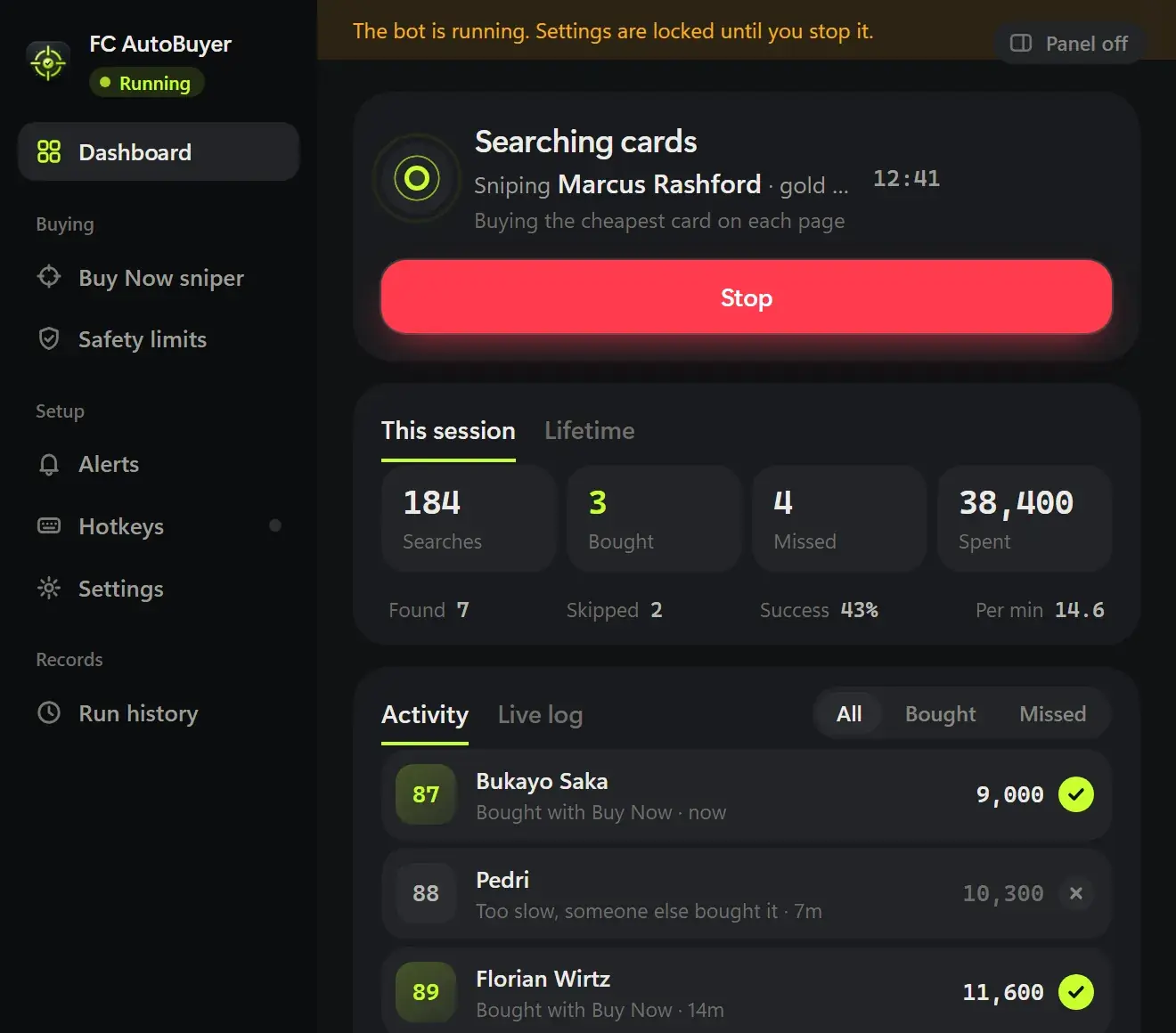
A FUT autobuyer repeats the searches you would otherwise do by hand. Good cards listed below their usual price tend to sell within moments, and nobody can refresh the market all evening. An autobuyer can, within limits you control. For the full picture, read how an autobuyer works.
In a typical run, FC AutoBuyer:
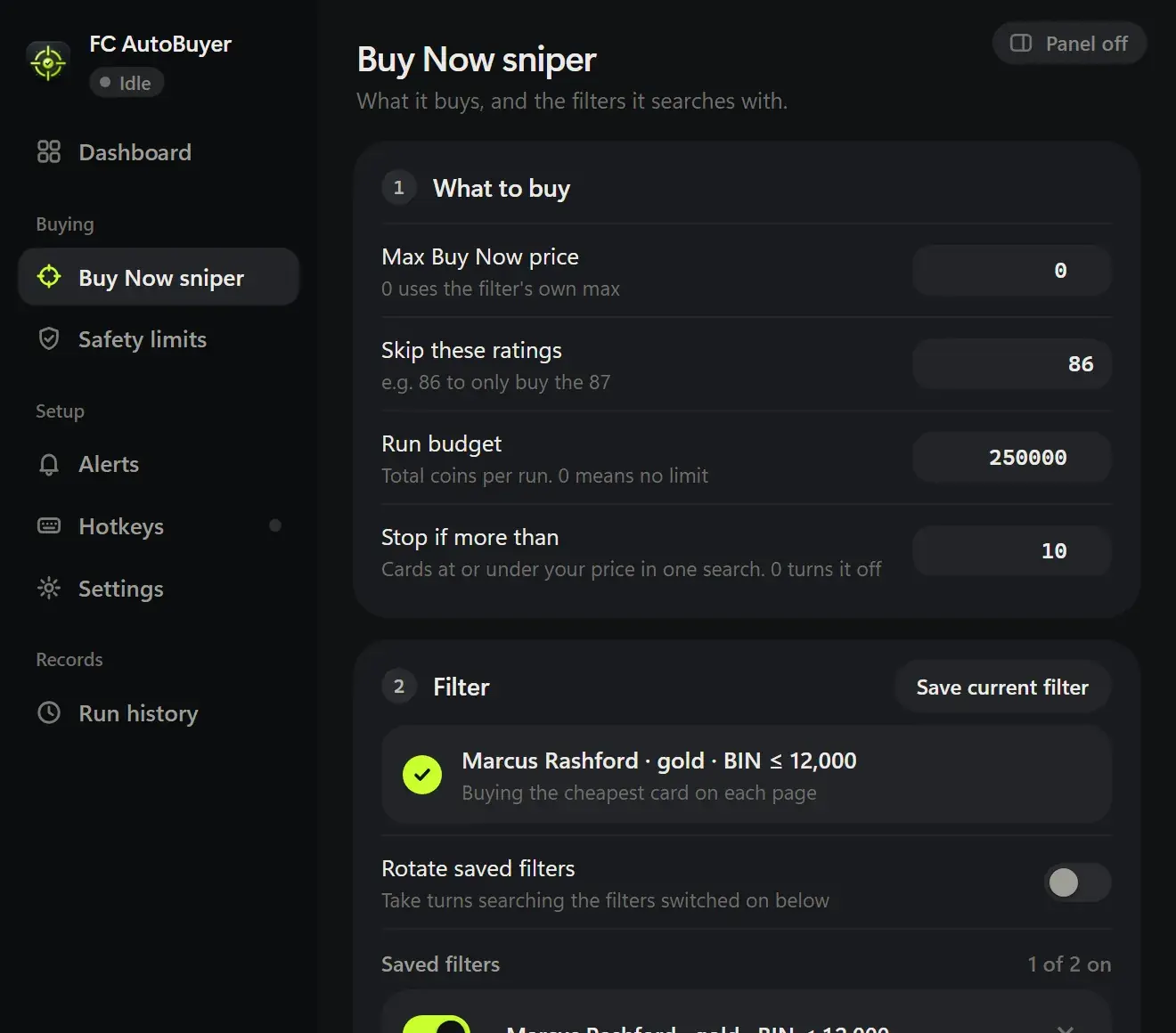
- searches the transfer market with a filter you set up in the Web App (quality, rarity, position, league, nation, club and more);
- checks each result against your Max Buy Now price, rating range and "skip these ratings" list;
- buys anything at or under your price, or just the cheapest card on each results page up to your per-card limit;
- sends bought cards to unassigned, your transfer list or your club;
- waits a randomised delay, varies the search to surface fresh listings, and goes again until a limit is reached.
FC AutoBuyer is a Buy Now sniper, focused on buying. It lists what it buys at your own prices and never below what the card cost you, though it doesn't place bids yet. If you're weighing the two approaches, see sniping vs bidding, and learn to price check players before you set a Max Buy Now.
Why a Chrome extension beats app-based bots
When a bargain appears, several autobuyers often go for it at once, and the fastest request wins the card. App-based bots put an extra layer between you and the market. FC AutoBuyer runs inside the Web App itself, in Chrome on your desktop, so it acts right where the listings are. That means more of those races end with the card in your club.
It's also quick to set up: load it into Chrome, pin it and refresh the Web App. Our install guide walks through every step, and Chrome extension vs app autobuyers goes deeper on the differences. A standalone FC AutoBuyer app is coming soon; today it's a Chrome extension for desktop.
Limits, auto-stops and honest risk
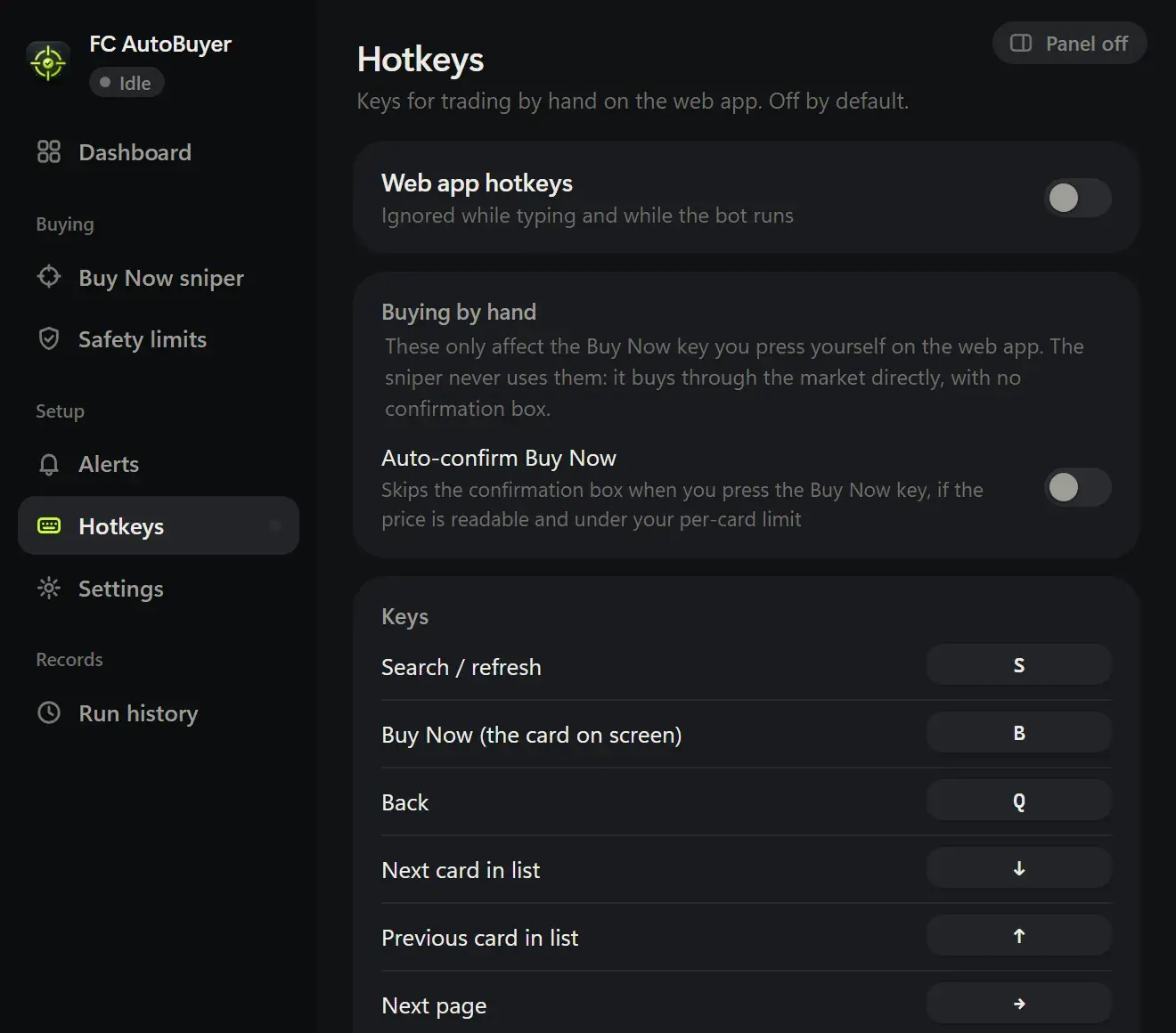
Speed is only useful if it can't run away with your coins. FC AutoBuyer checks a per-card price limit, a run budget and a coins-to-keep limit right before every buy, and it refuses to start if your filter allows prices above the per-card limit. Before each run you see a review screen that needs a second click, and prices and limits lock while it's running.
It stops by itself on a captcha, a soft ban, an expired session, not enough coins, or any limit you set. Randomised search delays, automatic breaks and run limits keep your activity measured. Read more about the transfer market soft ban and which autobuyer filter settings make sense.